Google Chrome
Safe, fast, and reliable browsing with Google Chrome

Safe & Secure
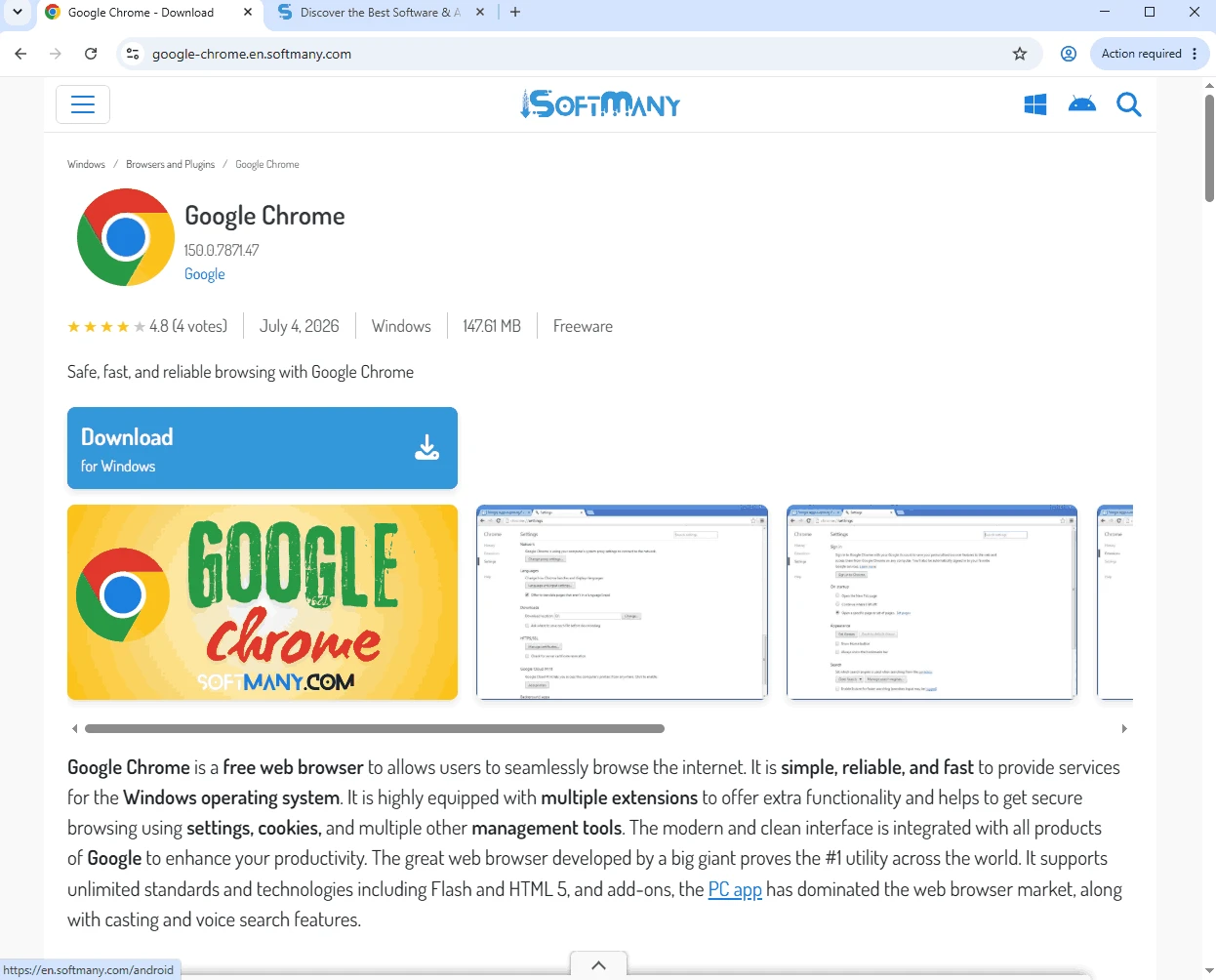


Google Chrome Canary is an Alpha version, specifically designed for web developers to experiment and test the raw browser. It enables the developers to spot bugs, experience the design, and even study the latest features on the Alpha version. No need to lose the original version; instead, use the search engine to start with the app.
It is available for free and allows the developers to sneak peek at the upcoming features, try them, and pick out potential issues, if they find some. In this way, they can help Google to correct them before they become bugs.
Google Chrome Canary, developed by Google, is the Alpha version of Google Chrome, empowered with open-source Chromium engine. The open-source capability enables the developers to test out the Canary channel and the developer channel of the browser. They can help to modify the browser better, reporting glitches or bugs if they encounter them.
The app offers the latest enhancements, tools, and features for early adopters and developers to test. But keep in mind that the Alpha version isn’t the stable version of Google Chrome, as there can be crashes and breakdowns as well.
Google Chrome Canary is an untested version at a very early stage offered by Google for the Google Chrome browser. So, it is not possible to use this raw version as your regular browser, as Google also advises users not to set Chrome Canary as their default browser. However, it is possible to use it along with the stable edition. The app is compiled from the newest source tree structure by a bot and sent to the channel automatically.
The app can be installed as a separate or secondary browser, as it can’t update Google Chrome, so you need to use it only for testing the upcoming features. However, the app is equipped with advanced developer tools, enabling the developers to easily debug and optimize websites and web applications.
The user interface of the app is quite similar to the standard Chrome Browser, offering a minimalistic design. The icon of the app features a yellow canary bird, and the familiar tabbed browsing interface makes your navigation simple and easy. It is easy to access bookmarks, history, and settings.
The app is part of updates released by Google through 4 channels: Stable, Chrome Beta, Dev, and Canary. Stable is the regular version that we normally use because it is the approved version after going through the beta and dev versions, and developers have vetted it for bugs and irregularities. Canary is a step ahead of the stable version and has completely raw updates that aren’t released on Chrome. So, we can say the chain of new updates starts from Canary and finally becomes part of Stable after making its way from dev to beta.
The app receives regular updates on a daily basis, enabling users to get the latest bug fixes, improvements, and experimental features. It offers an awesome opportunity to try upcoming changes, and also the availability of robust synchronization capabilities and security features of Google to ensure the safety and accessibility of your data across multiple devices.
The app, with its simplicity and clean interface used by millions of people across the world. It is also equipped with an in-built toolbar that offers all Google-related services, including Google Search, Google Maps, YouTube, and so on. You can install all services on your PC using the app.
As we aforementioned, the app doesn’t work like the Stable version, as it includes all raw features that can be part of the Stable version, or not. So, it is better to use the Stable version as your default, and also install Canary alongside the Stable browser, and use both versions simultaneously.
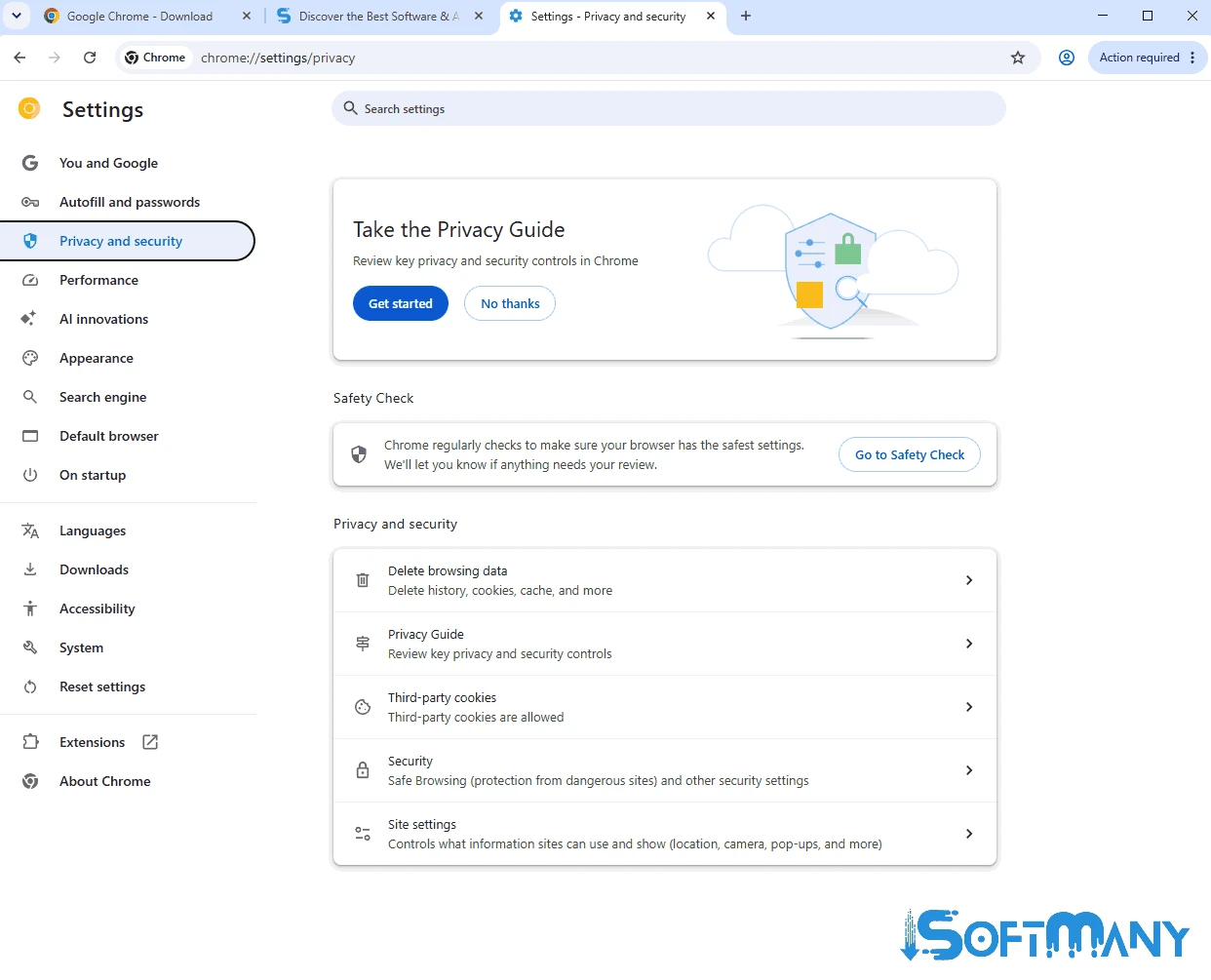
The app offers a comprehensive set of flags, allowing users to enable and disable experimental features. It is the best option to access your desired new features and customize your browsing experience according to your preferences.
Pros
Cons

Safe, fast, and reliable browsing with Google Chrome

Opera offers the best browsing functionalities including built-in VPN, ad-blocker, and Turbo mode.

Fast Browsing with offering Cutting-edge Security and Speed.

UC Browser for PC, the leading mobile browser now available for PCs

Cent Browser is a Chromium-based browser with seamless browsing online

Firefox can display a large number of pages and extra capabilities that can help you online very fast.